
Printing
Receipt printers
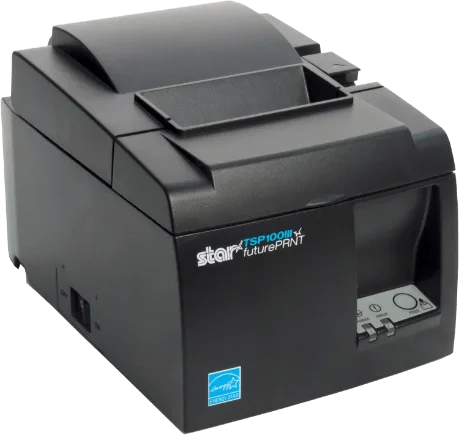
For Mac and PC counters, we recommend Star TSP100-series USB, Ethernet, or Wi-Fi printers. AirPrint-compatible printers are supported on iOS.
Compatible POS hardware
Choose proven printers, scanners, drawers, payment terminals, and accessories for PHP Point Of Sale.
Hardware guide
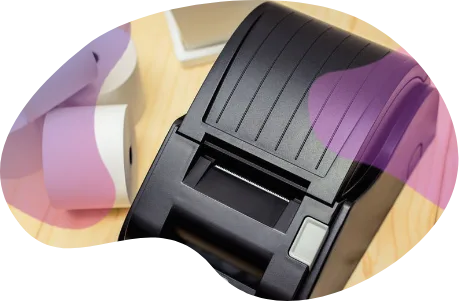
These recommendations cover the hardware most stores need. Contact us when you want help confirming ports, operating systems, or mobile compatibility.
Printing
For Mac and PC counters, we recommend Star TSP100-series USB, Ethernet, or Wi-Fi printers. AirPrint-compatible printers are supported on iOS.
Cash management
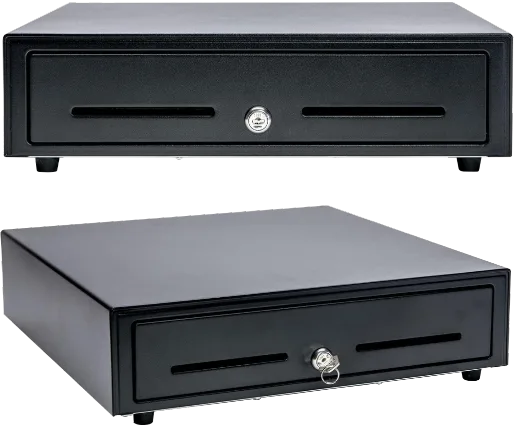
Use a printer-driven cash drawer — an APG Vasario-style drawer with an RJ12 cable — plugged into the receipt printer's drawer port; once the printer's driver is configured to trigger it, the drawer opens when the receipt prints.
Payments
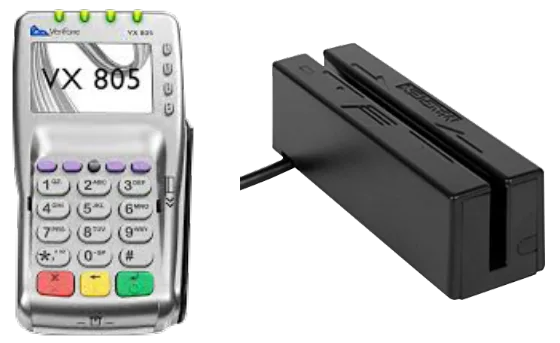
Integrated payment hardware is supplied through supported processing partners and connects eligible transactions directly to PHP POS.
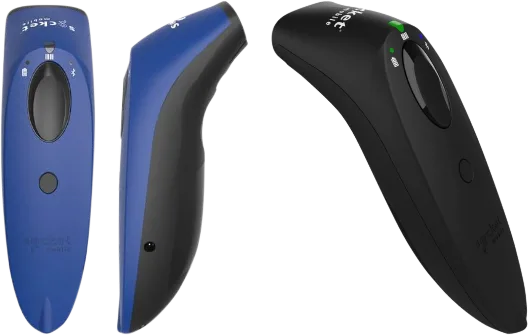
Scanning
Any keyboard-wedge USB scanner works on desktop — nothing to configure in PHP POS, as long as the scanner itself reads Code 128 and sends Enter after the code. On iOS and Android the app scans with the device camera, and Bluetooth scanners work too.
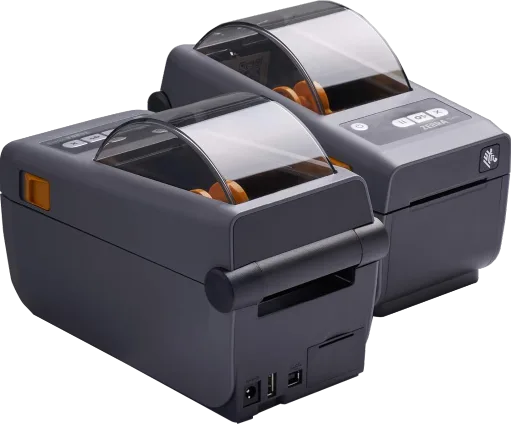
Inventory
For dedicated barcode labels, use a Zebra ZD410 with 2-by-1-inch labels. Standard Avery 8160 or 5160 sheets work with inkjet and laser printers.

Customer retention
Create branded gift cards that scan or swipe at checkout and keep customers coming back.
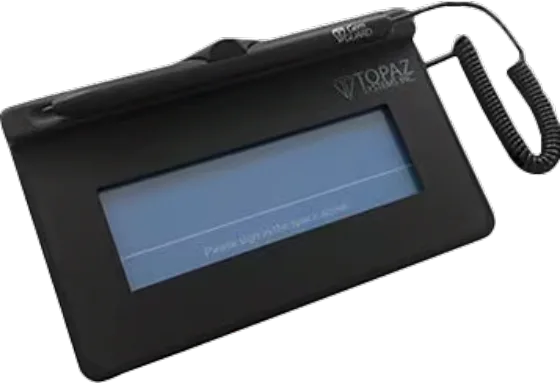
Signatures
On Windows, the Topaz SigLite T-S460-HSB can capture signatures electronically and store them with the receipt.
Need a compatibility check?